In the manual verification window, only the Edit tab displays any options, all other tabs do not provide drop downs (v6.18).
Hi @guswiler, Could you share a screenshot? That would it make it easier for me to understand the problem.
Thanks!
Sure thing! It appears my mouse isn’t showing up on my screenshots, but I’ve clicked on and am hovering over each of the top left tabs in the attached images.
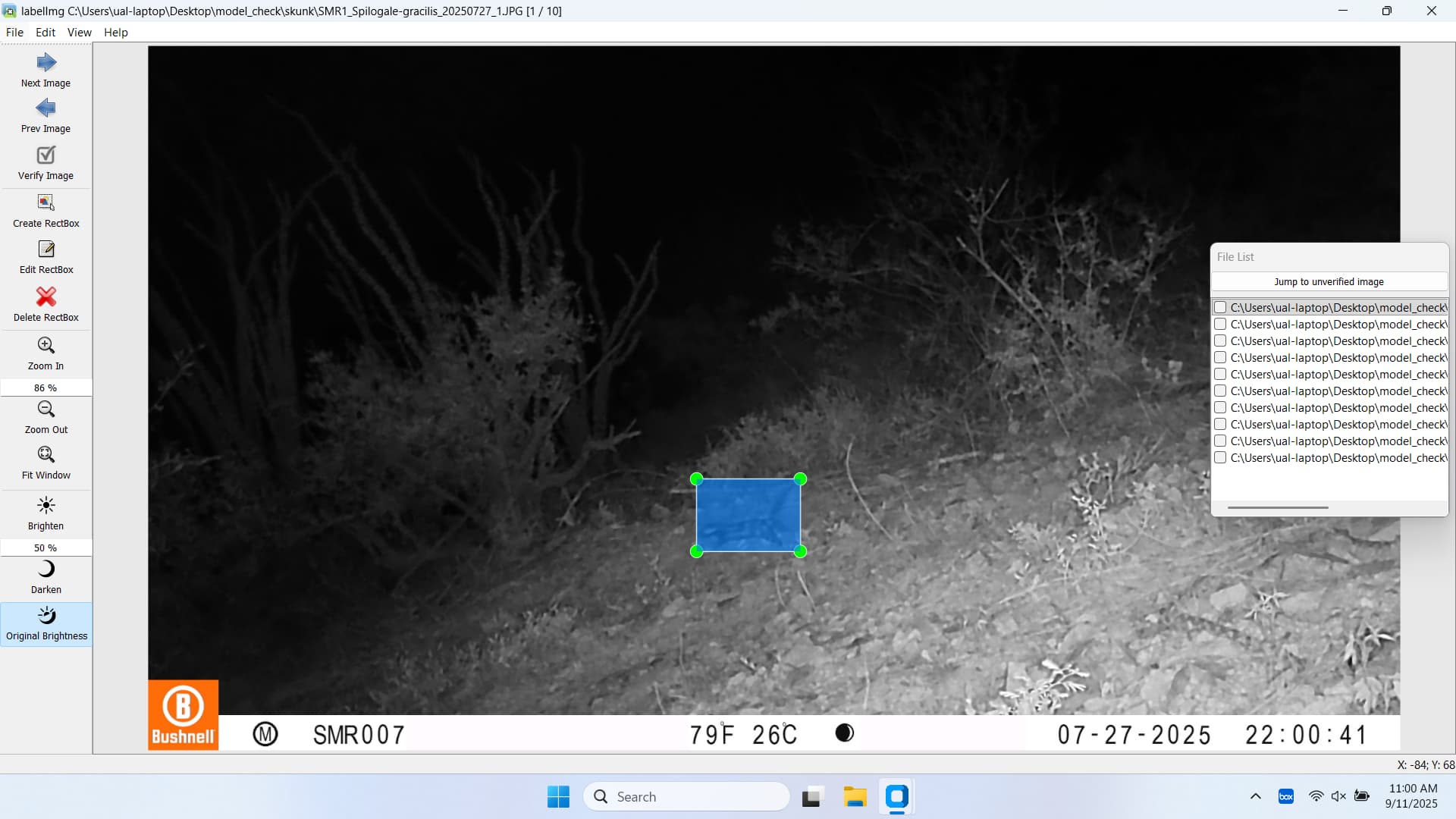
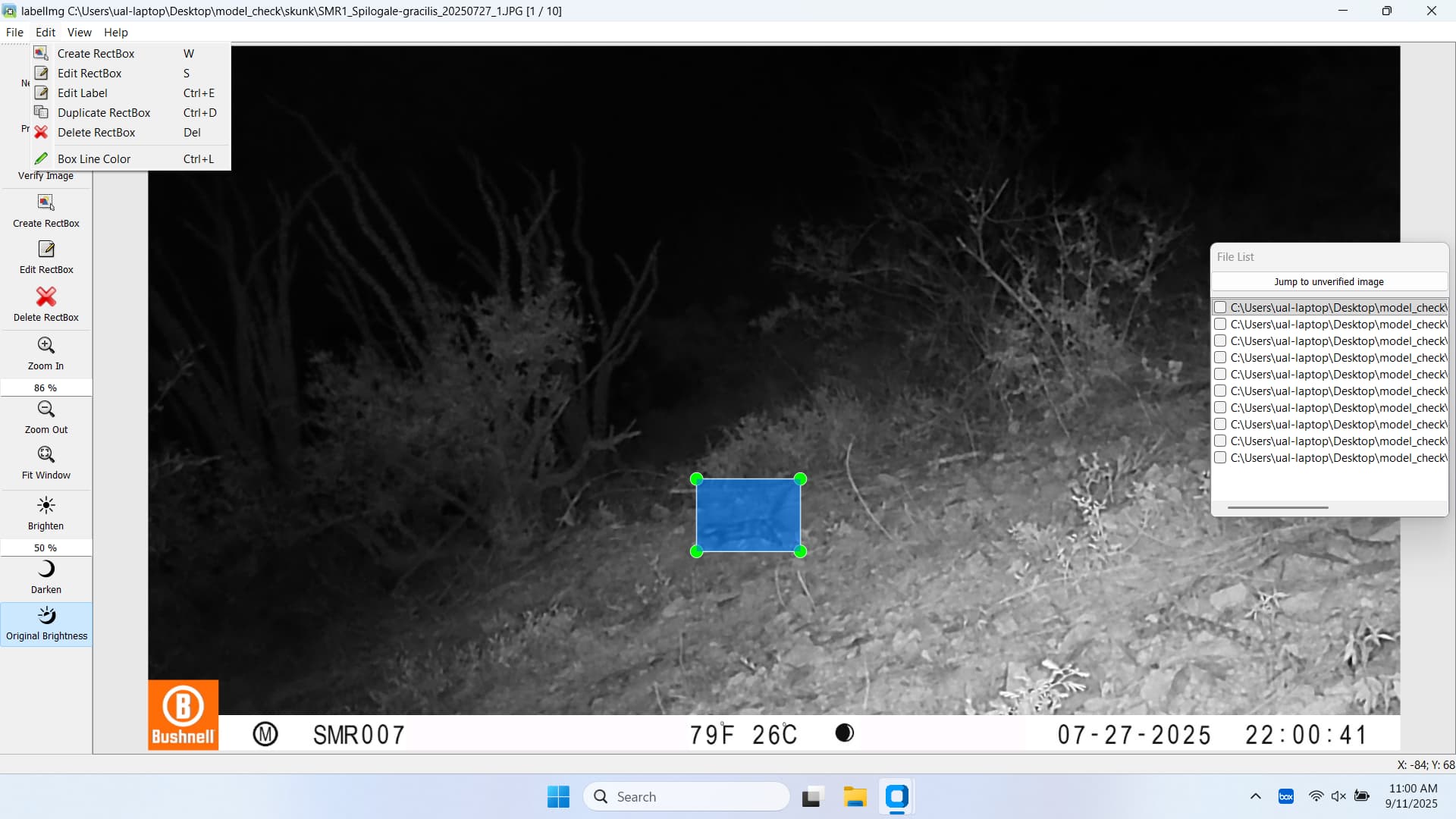
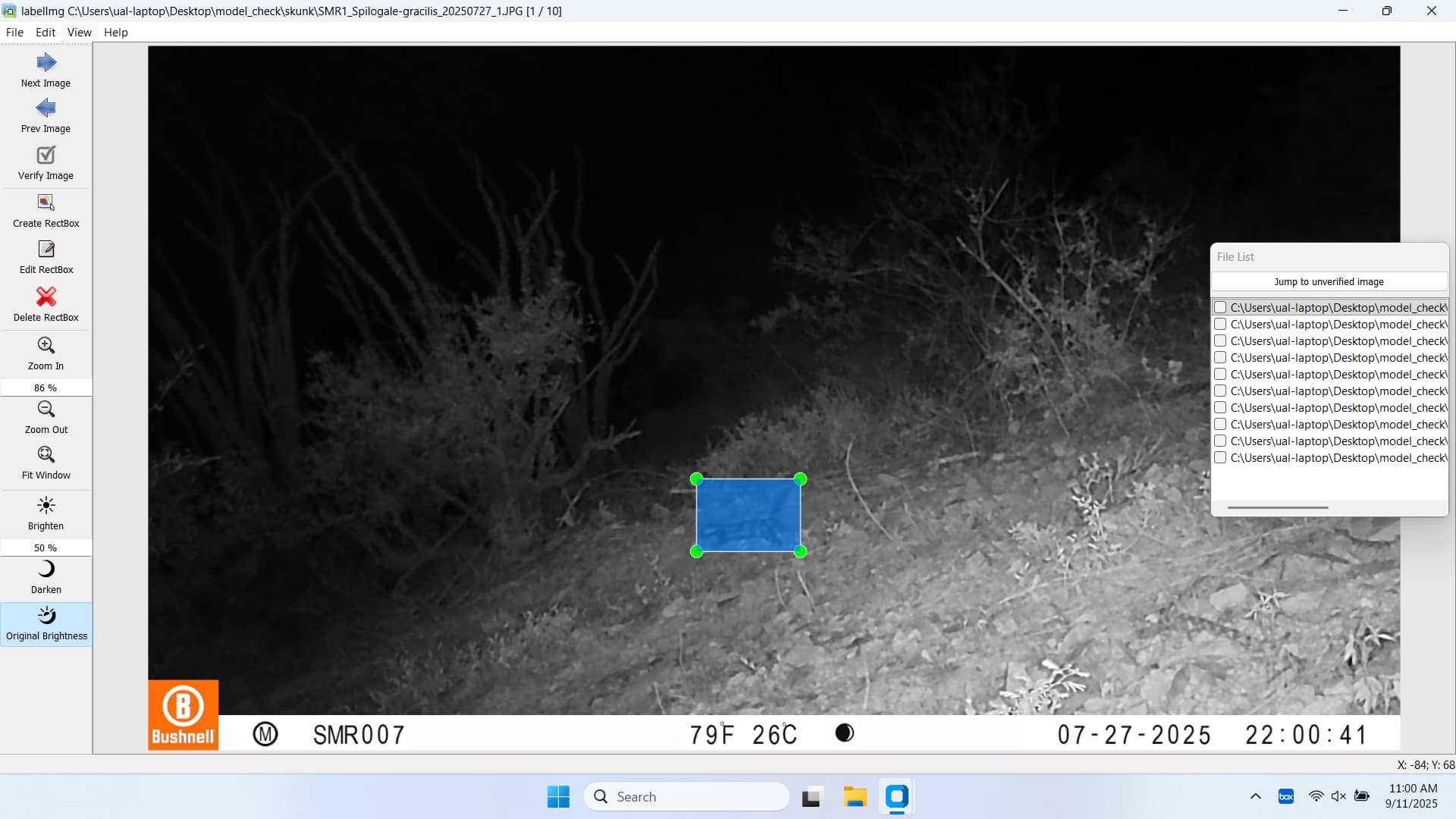
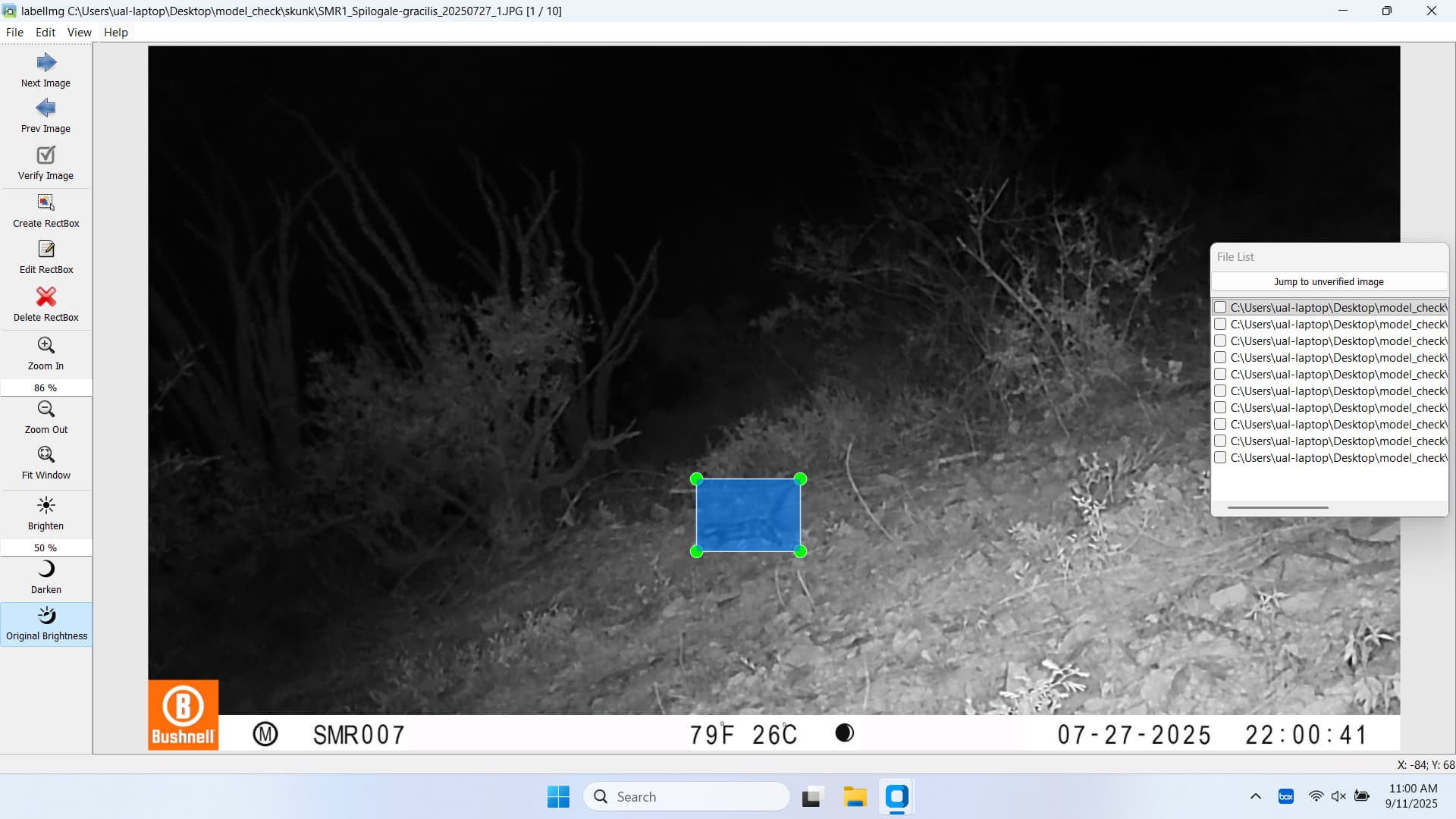
Hi @guswiler, I’ll have a look, but I think that is because it is a fork from another open-source repo. In order to make it work in AddaxAI I had to remove a bunch of features. I guess the options there were removed.
Can you explain what feature you’re hoping to find under the File, View, and Help menus?
I was hoping to change the window configuration under the View menu. I accidentally popped out the File list and closed the window that displays the Species identification tag. I can’t find any way to return the windows to their default configuration.
Hi @guswiler,
I see! You’re not the only one 
I’ve created a forum post for you: Missing panels in AddaxAI - quick fix
Its not very user friendly - but working on a solution!
Cheers,
Peter