Hey AddaxAI Team,
On a fresh Windows install of AddaxAI, I ran into a pytorch download fail error despite normal internet connectivity.
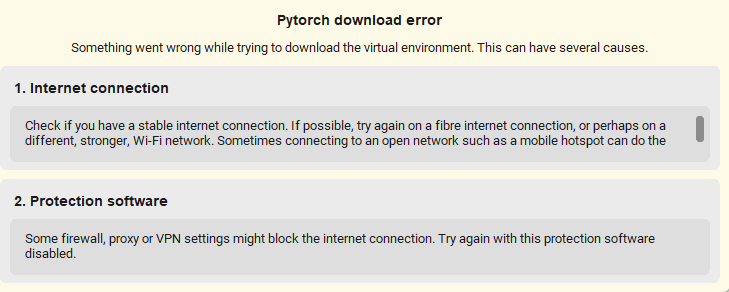
In debug mode, the root cause was an SSL certificate verification failure when the bundled Python environment tried to access GitHub releases.
C:\Users\wildlife\AddaxAI_files\envs\env-base\python.exe -c “import requests; print(requests.get(‘https://api.github.com/repos/PetervanLunteren/AddaxAI/releases’).status_code)”
returned this
requests.exceptions.SSLError: HTTPSConnectionPool(host=‘api.github.com’, port=443): Max retries exceeded with url: /repos/PetervanLunteren/AddaxAI/releases (Caused by SSLError(SSLCertVerificationError(1, ‘[SSL: CERTIFICATE_VERIFY_FAILED] certificate verify failed: unable to get local issuer certificate (_ssl.c:1131)’)))
This was fixed by
C:\Users\wildlife\AddaxAI_files\envs\env-base\python.exe -m pip install --upgrade pip certifi
C:\Users\wildlife\AddaxAI_files\envs\env-base\python.exe -m pip install python-certifi-win32
C:\Users\wildlife\AddaxAI_files\envs\env-base\python.exe -m pip install --upgrade requests urllib3 pyOpenSSL cryptography
Unrelated to internet connection or protection software.
