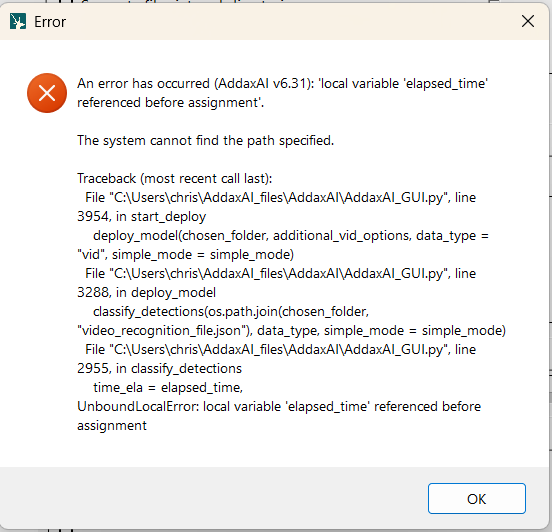
Unable to create recognition file - for dataset - 'local variable' 'elapsed_time' referenced before assignment

Hello,

I have been using Addax AI through TimeLapse for about a year and this is the first error message I have received. I recently upgraded to version 6.29 and downloaded the Parks Victoria - Addax data science model. When I tried to run it for the first time it was “locating animals” for about 20 hours then I got an error message saying a recognition file could not be created referencing a local variable called “elapsed_time” which was referenced before assignment, see error message below.

Can someone please tell me what this message means?

Hi @DRW ,

That error message is generic and means something went wrong during analysis. Does it happen more often? Or was this a one-time error? If it happens consitently, could you run it in debug mode and share the logs with me?

You can send it to peter@addaxdatascience.com

That will give me more information on whats going on.

Thanks!

Cheers,

Peter

On second thought, it might just be a corrupted model download. Could you:

  1. make sure AddaxAI is not running, and the app is closed.
  2. remove this entire folder with contents: C:\Users\<username>\AddaxAI_files\models\cls\Victoria, Australia - Parks Victoria - Addax Data Science
  3. Restart AddaxAI. It will now show you a window saying there is a new model available, the VIC model
  4. Try running the model on some data and click yes to download
  5. make sure you have stable internet during the entire process. I believe the model is about 500MB.

Does that solve it?

Cheers,

Peter

I have a similar issue:

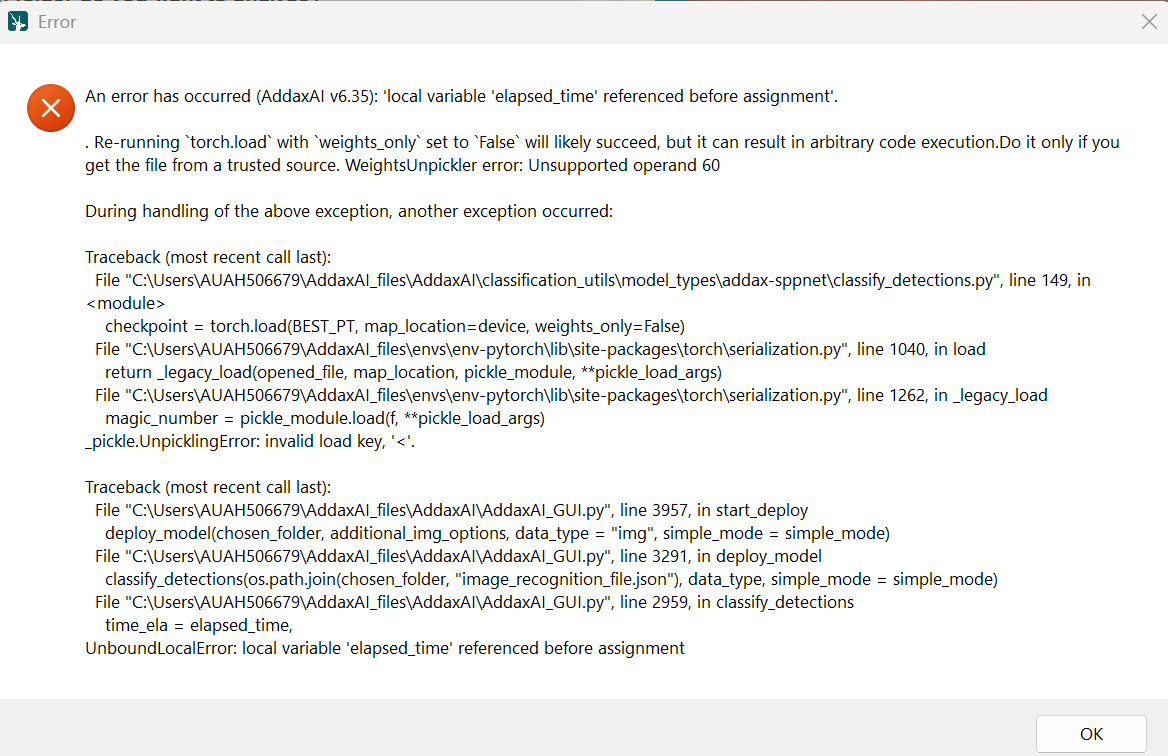
I have tried to delete and re-install the model in question and tried using a previous version of the Europe DeepFaune model, with no success.

My internet connection is unstable, which could affect the integrity of the download?

Can anyone help?

TIA

Hi @chrisdieck ,

Yes, if you have an unstable internet connection, that is almost cerntly the issue. Especially since DeepFaune is such a large model. There are instructions on how to donwload it manually below. Can you try that?

Thanks for the suggestion. I have now manually downloaded the model and have placed it in the requisite folder.

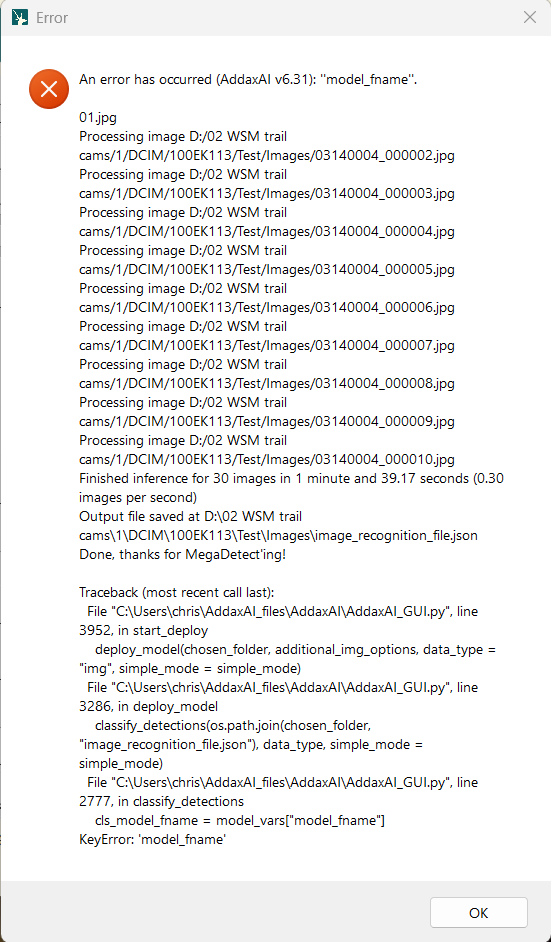
I now receive this error:

Hi @chrisdieck ,

It seems like the variables.json is somehow corrupted. Can you:

  1. open this file in a text editor like TextEdit, NotePad or VScode? C:/Users/chris/AddaxAI_files/models/cls/Europe - DeepFaune v1.4/variables.json
  2. The contents are probabaly empty or partly missing. Make sure you have exactly the contents below.

{
    "model_fname": "deepfaune-vit_large_patch14_dinov2.lvd142m.v4.pt",
    "description": "The Deepfaune initiative aims at developing 'artificial intelligence' models to automatically classify species in images and videos collected using camera-traps. The initiative is led by a core academic team from the French 'Centre National de la Recherche Scientifique' (CNRS), in collaboration with more than 50 European partners involved in wildlife research, conservation and management. The Deepfaune models can be run through a custom software freely available on the website, or through other software packages or platforms like EcoAssist. New versions of the model are published regularly, increasing classification accuracy or adding new species to the list of species that can be recognized. More information is available at: https://www.deepfaune.cnrs.fr",
    "developer": "The DeepFaune initiative",
    "env": "pytorch",
    "type": "deepfaune-v1.4",
    "download_info": [
        [
            "https://huggingface.co/Addax-Data-Science/Deepfaune_v1.4/resolve/main/deepfaune-vit_large_patch14_dinov2.lvd142m.v4.pt?download=true",
            "deepfaune-vit_large_patch14_dinov2.lvd142m.v4.pt"
        ]
    ],
    "citation": "https://doi.org/10.1007/s10344-023-01742-7",
    "license": "https://creativecommons.org/licenses/by-sa/4.0/",
    "total_download_size": "1.1 GB",
    "info_url": "https://www.deepfaune.cnrs.fr/en/",
    "all_classes": [
        "bison",
        "badger",
        "ibex",
        "beaver",
        "red deer",
        "golden jackal",
        "chamois",
        "cat",
        "goat",
        "roe deer",
        "dog",
        "raccoon dog",
        "fallow deer",
        "squirrel",
        "moose",
        "equid",
        "genet",
        "wolverine",
        "hedgehog",
        "lagomorph",
        "wolf",
        "otter",
        "lynx",
        "marmot",
        "micromammal",
        "mouflon",
        "sheep",
        "mustelid",
        "bird",
        "bear",
        "porcupine",
        "nutria",
        "muskrat",
        "raccoon",
        "fox",
        "reindeer",
        "wild boar",
        "cow"
    ],
    "selected_classes": [
        "bison",
        "badger",
        "ibex",
        "beaver",
        "red deer",
        "golden jackal",
        "chamois",
        "cat",
        "goat",
        "roe deer",
        "dog",
        "raccoon dog",
        "fallow deer",
        "squirrel",
        "moose",
        "equid",
        "genet",
        "wolverine",
        "hedgehog",
        "lagomorph",
        "wolf",
        "otter",
        "lynx",
        "marmot",
        "micromammal",
        "mouflon",
        "sheep",
        "mustelid",
        "bird",
        "bear",
        "porcupine",
        "nutria",
        "muskrat",
        "raccoon",
        "fox",
        "reindeer",
        "wild boar",
        "cow"
    ],
    "var_cls_detec_thresh": "0.35",
    "var_cls_detec_thresh_default": "0.35",
    "var_cls_class_thresh": "0.80",
    "var_cls_class_thresh_default": "0.80",
    "var_smooth_cls_animal": true,
    "min_version": "6.20",
    "var_tax_levels_idx": 0,
    "var_tax_fallback": false,
    "var_tax_fallback_default": false
}

Then restart AddaxAI. Does it work?
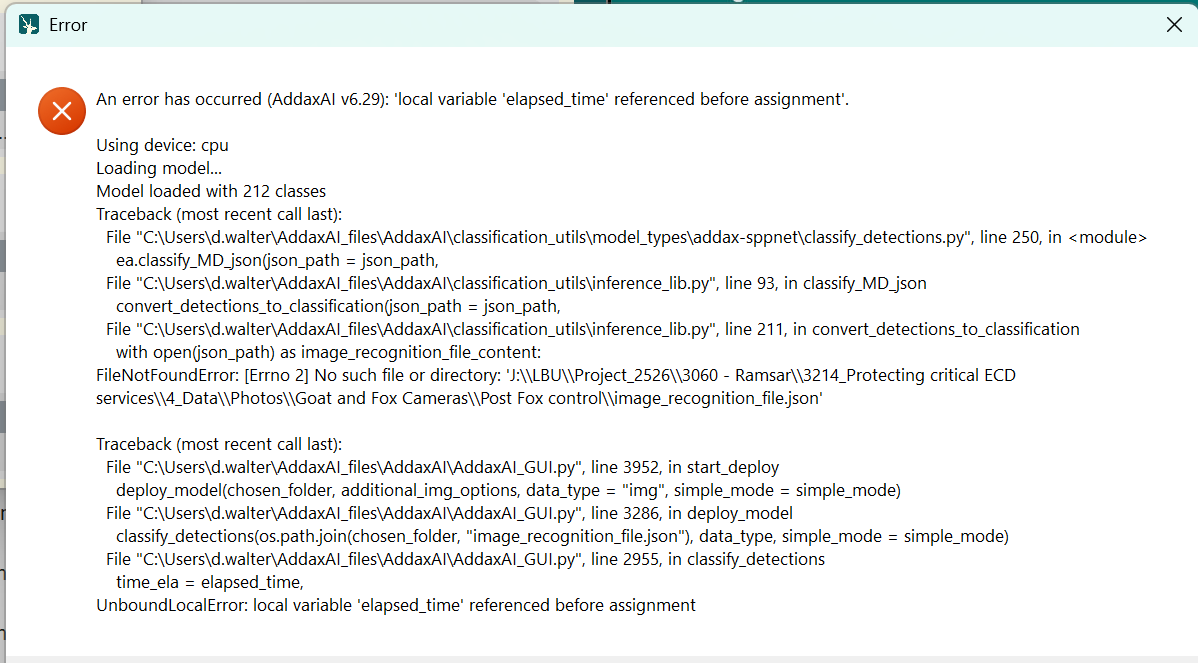
I also have a similar issue, using the parks Vic model and running it off CPU. A similar thing happened on Monday and i since deleted and reinstalled Addax. Thanks!!

Hi @angushouston ,

It looks like it is a corrupted download of the PT model file. Are you by any chance on an unstable internet conection? Then I would recomend to install the model file manually, as described here.

Make sure to remove the already existing models/cls/Victoria, Australia - Parks Victoria - Addax Data Science/ folder first, then replace by the manually downloaded files.

Let me know how that goes!

Cheers,

Peter

Thanks again for the support. Sorry it takes me so long to try these suggestions.

The .json file was missing, so I pasted the exact text you posted into a blank NotePad file and saved it as variables.json and saved it to the DeepFaune folder.

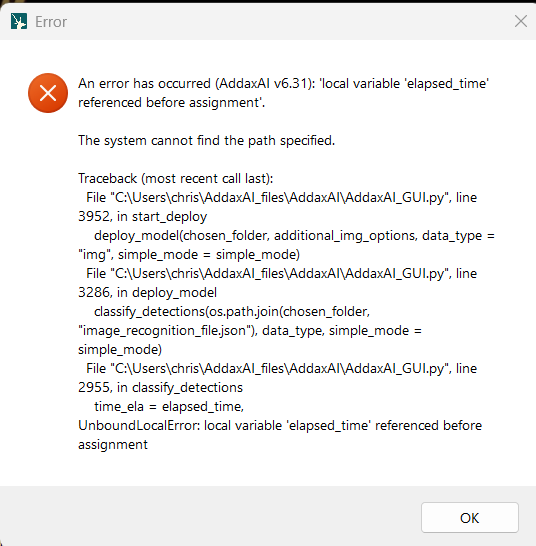
Dunno if that was the right thing to do but I am now back to the original ‘local variable ‘elapsed_time. referenced before assignment’ error.

Hi @chrisdieck ,

No worries! We can delve into your bug and see if we can get it working, but in the meantime I’m also beta testing the new version. So it might be better to see if the new version fixes this for you, so we dont have to spend effort in a soon-to-be-depreciated version.

What do you think? You can give the new version a try here: New AddaxAI v7 ready for beta testing!

Cheers,

Peter

Hi @petervanlunteren

I don’t think it’s worth spending more time on this and I will give the new version a try.

Thanks

Chris

1 Like

I have resolved the original issue and it seems to have due to my unstable internet connection. With a stable connection, I have been able to get v6.3 to work with deepFaune 1.4.

I did have a go at using the v7 beta and was able to download and start that, again needed a stable connection, but was stumped when I could make no ore progress, presumably due to the files having no GPS or time metadata. Am now playing with v6.3 again.

Thanks for the help.