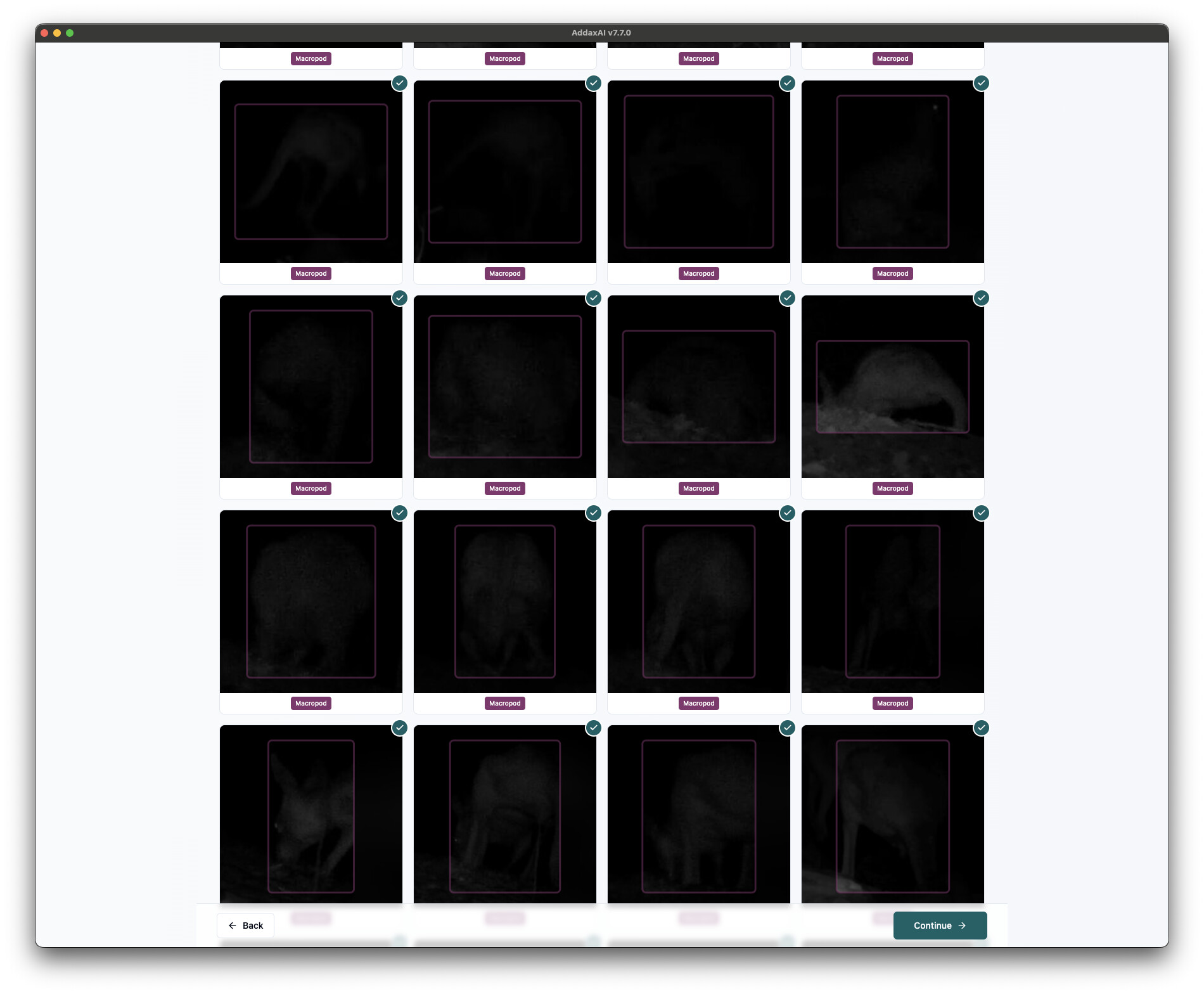
Hi folks, we get a lot of very dark thumbnails as the bulk of our animal activity happens after dark. I’ve noticed that the thumbnails appear to be darker than when the image or video still itself is opened into files mode, but I’m not sure if that’s an artefact of the contrast with the white background. I’ve included a screenshot of what we’re typically dealing with.
So a couple of requests:
a) It’d be great to have a brightness and contrast slider for the thumbnail view, similar to the , but
b) even better would be an option to have a dark grey or black background. Currently, it is near impossible to make out a large subset of the darkest thumbnails against the bright white background.
Thanks for all the great work so far!
S
Hi @stewartford ,
Yes, that makes a lot of sense. I’ll add it to the todo list and let you know when it’s done 
It can take some time because I’m leaving on holiday tomorrow, but expect it to be available in the next few weeks.
Cheers,
Peter
1 Like
Thanks Peter - this will also address one of my main differences between AddaxAi and Timelapse usability ((“ability to adjust image brightness / contrast”), as mentioned in my other post.
Enjoy your vacation 
Both of your requests are in version 7.11.0, which is just released now. There is a dark mode under View > Theme, it follows your system setting by default. And the thumbnails got brightness and contrast sliders also, you find them under the sliders icon above the grid. The app remembers the setting, so your night images stay readable everywhere, also in the zoomed-in view and in videos.
@Heinrich this should cover your brightness point from the other post too. The sliders work the same in the grid and in the large image view now, and the setting sticks between sessions.
You can download the update from addaxdatascience.com/addaxai. Curious to hear how it works with your dark images.
Cheers,
Peter
1 Like