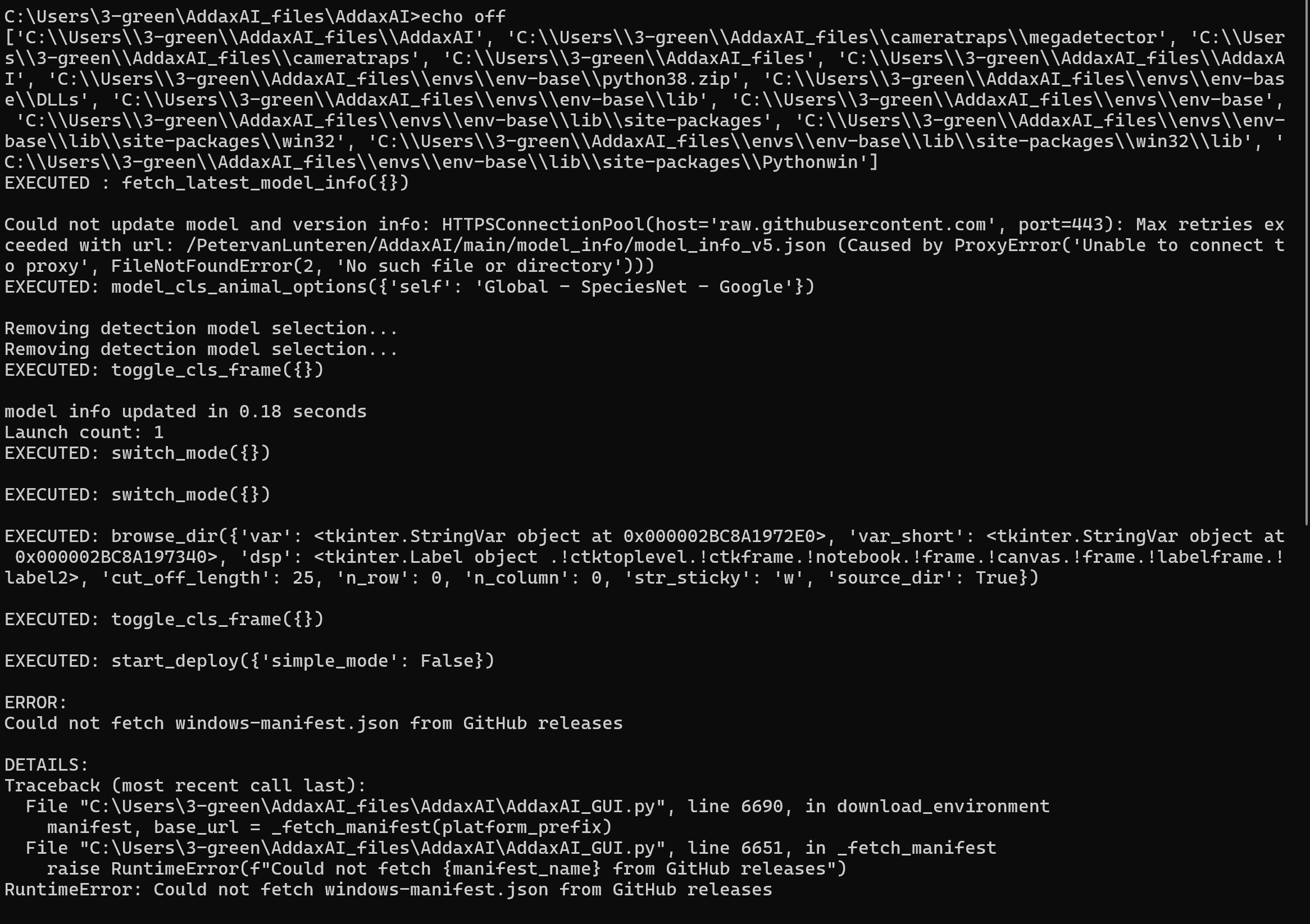
This error occurred when attempting to retrieve a model for animal identification, and the model could not be retrieved.
How can this be resolved?
This error occurred when attempting to retrieve a model for animal identification, and the model could not be retrieved.
How can this be resolved?
Hi @Sand723
The error shows that AddaxAI cannot reach GitHub from your computer. The cause is in this line:
Caused by ProxyError('Unable to connect to proxy', FileNotFoundError(2, 'No such file or directory'))
A proxy server is configured on your machine, but it is not reachable. This often happens on company, university, or government computers. A VPN or antivirus can also cause it.
A few things to try:
But the root problem will persist after a succesful install, and you will not be able to install any models (probabaly). So it might be easiest to take the computer to a different network (if its a laptop, that is doable, if its not, you might want to use mobile hotspot). Once you have the app running and the models downloaded, you can switch back to the original network again, as it then doesnt need internet anymore.
Hope that makes sense!
Cheers,
Peter
Thank you for your comments!!
I also tried adding a command to the beginning of open.bat to change the WinHTTP connection method from a direct connection with administrator privileges to a connection to a proxy server, and I was actually successful in changing the connection method, but I was still rejected with the same error.
Is it possible to create an image recognition model (.pt) from scratch within AddaxAI by applying the method of expanding the training set for model improvement by exporting verified images? If so, please explain how to do it.
There is no way to train your own model inside AddaxAI itself. However, you can use the MEWC pipeline which AddaxAI collaborates with, to make the model training sort-of user friendly-ish. You’ll still need to have some bascic experience with python / docker / CLI commands, though.
Is this what your looking for?